 NestClip
Blocks ads, trackers, pop-ups
Public filter lists stop ad and tracker requests and pop-ups. Turn each one on or off.
NestClip · coming to iOS & Android
A browser that filters ads, trackers and pop-ups, with an eye for the media a page plays and a locked library to keep it in. Only media you may save, only on your device.
How it works
No setup. Just browse the web the way you always do.
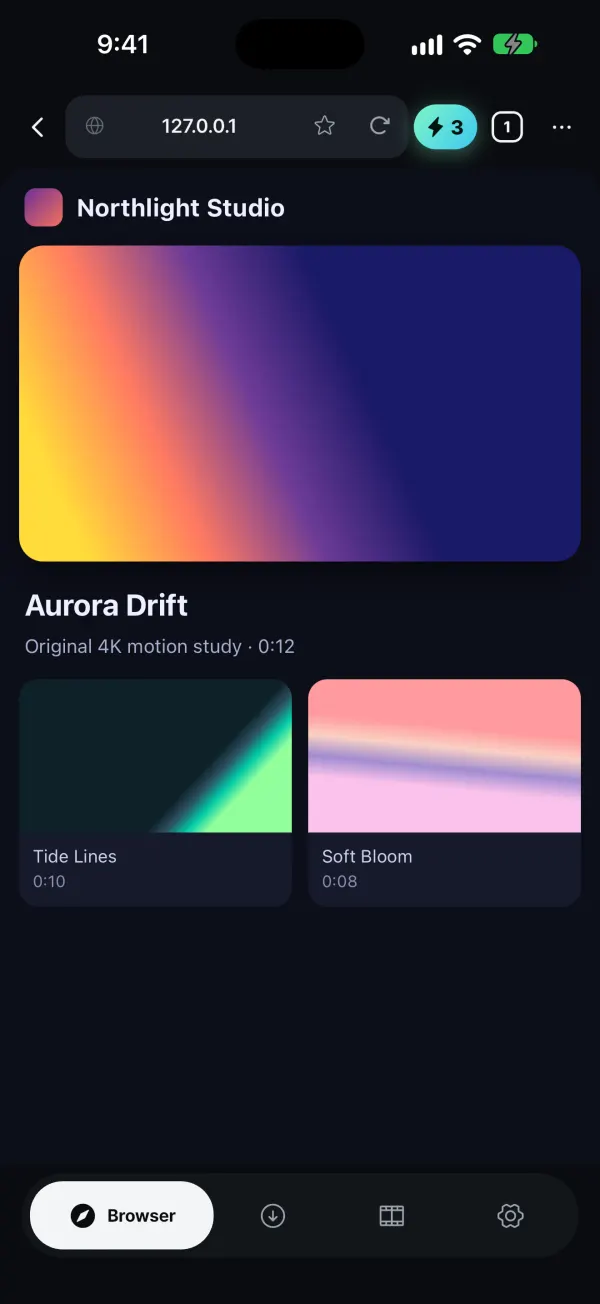
Tabs, private tabs and bookmarks. Ad and tracker requests are filtered with public filter lists.
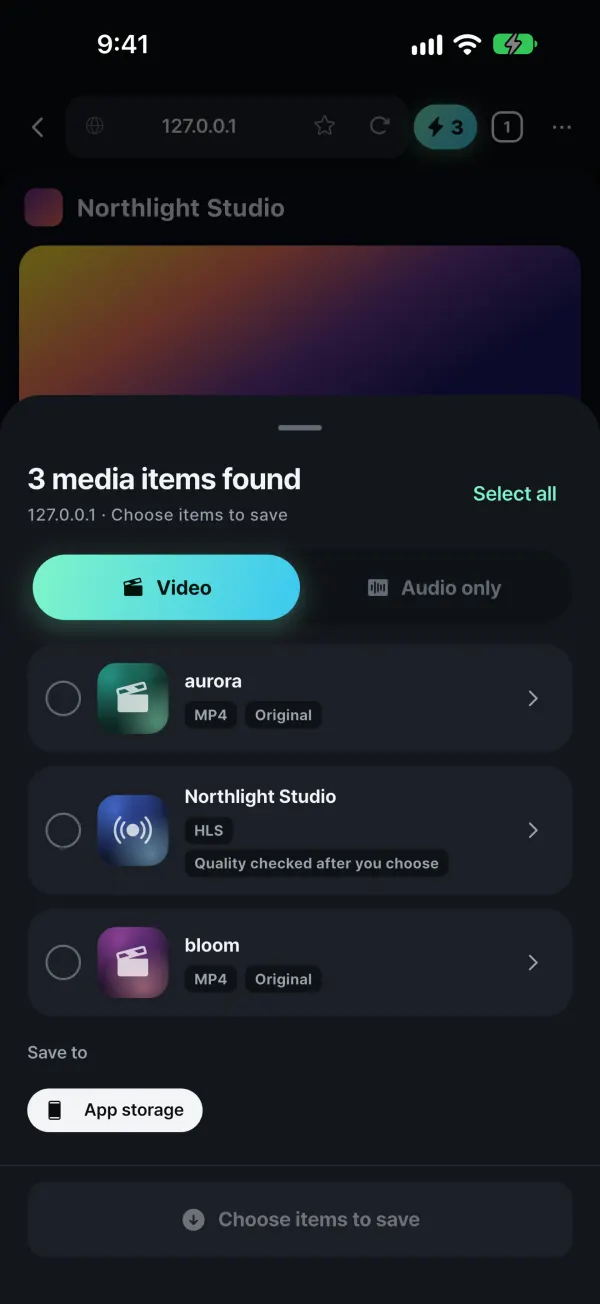
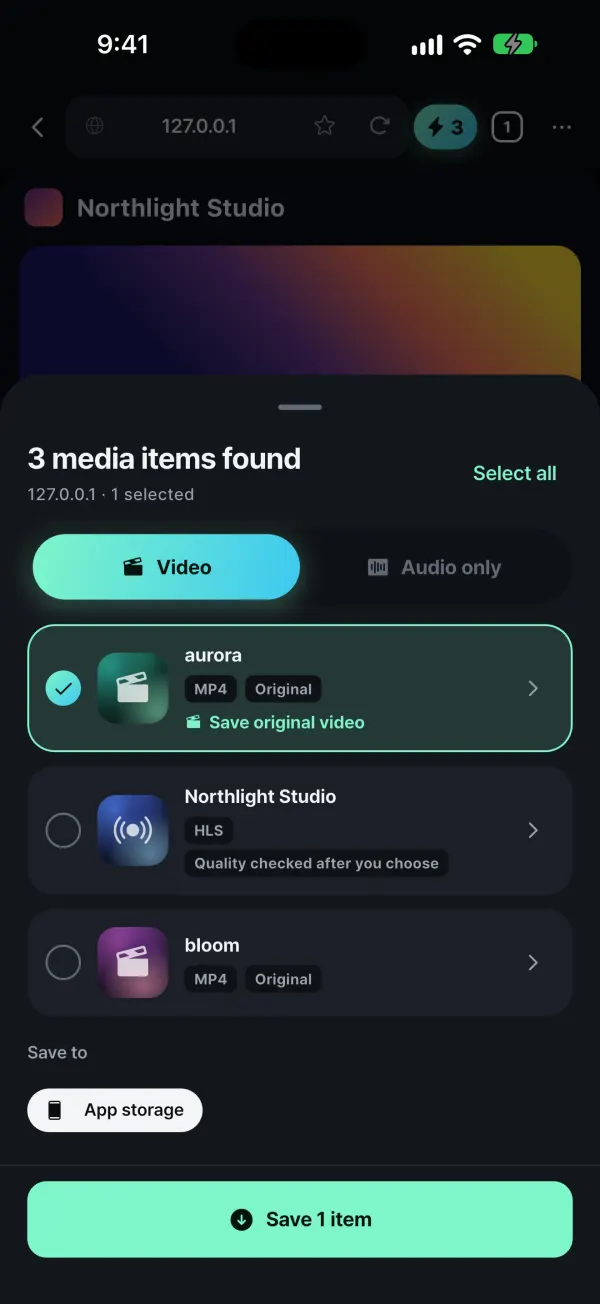
Video and audio the page plays (MP4, HLS, DASH) are listed with their quality options.
Queue just the items you choose, with resume and parallel transfers. Protected (DRM) content is never saved.
The real app
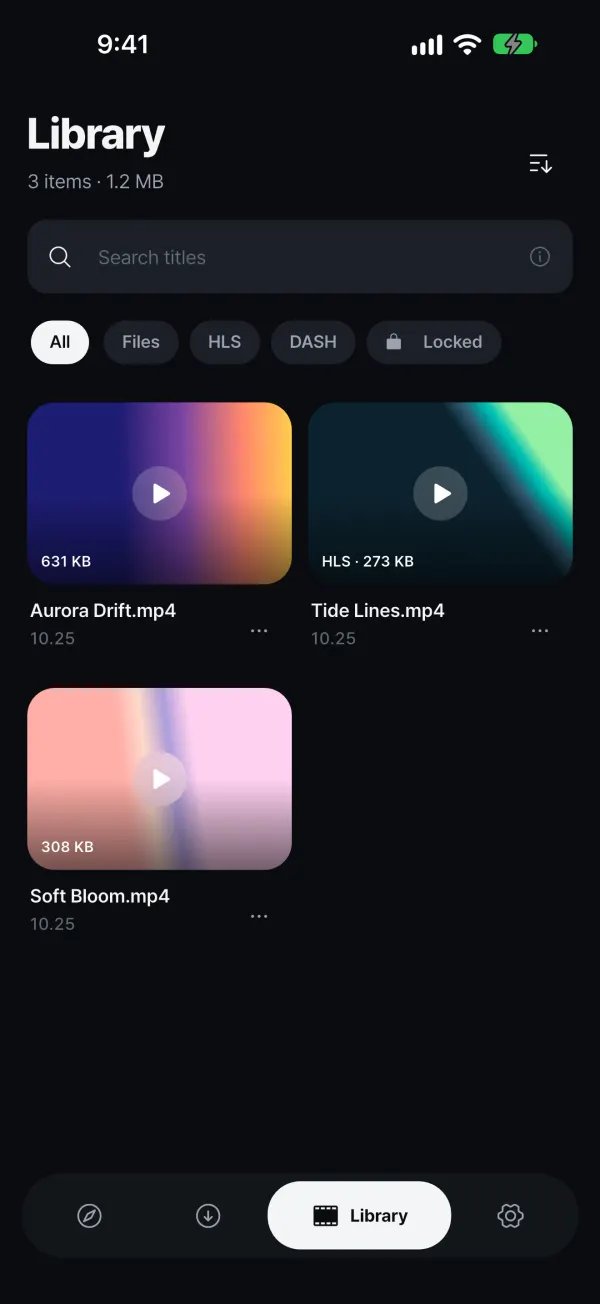
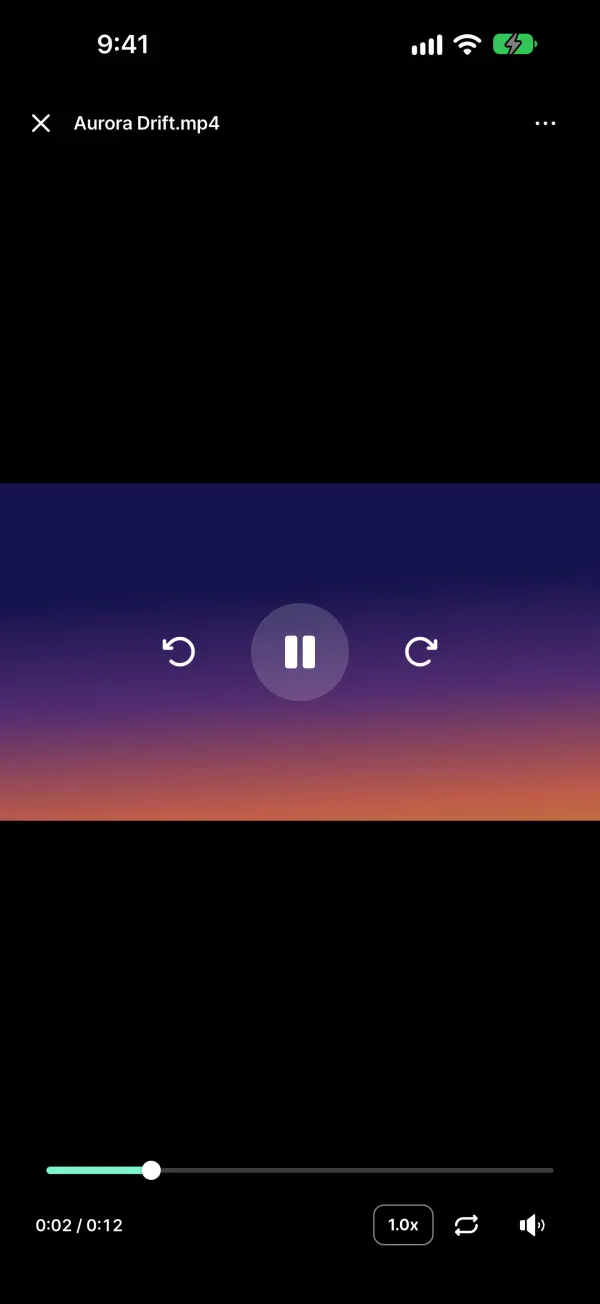
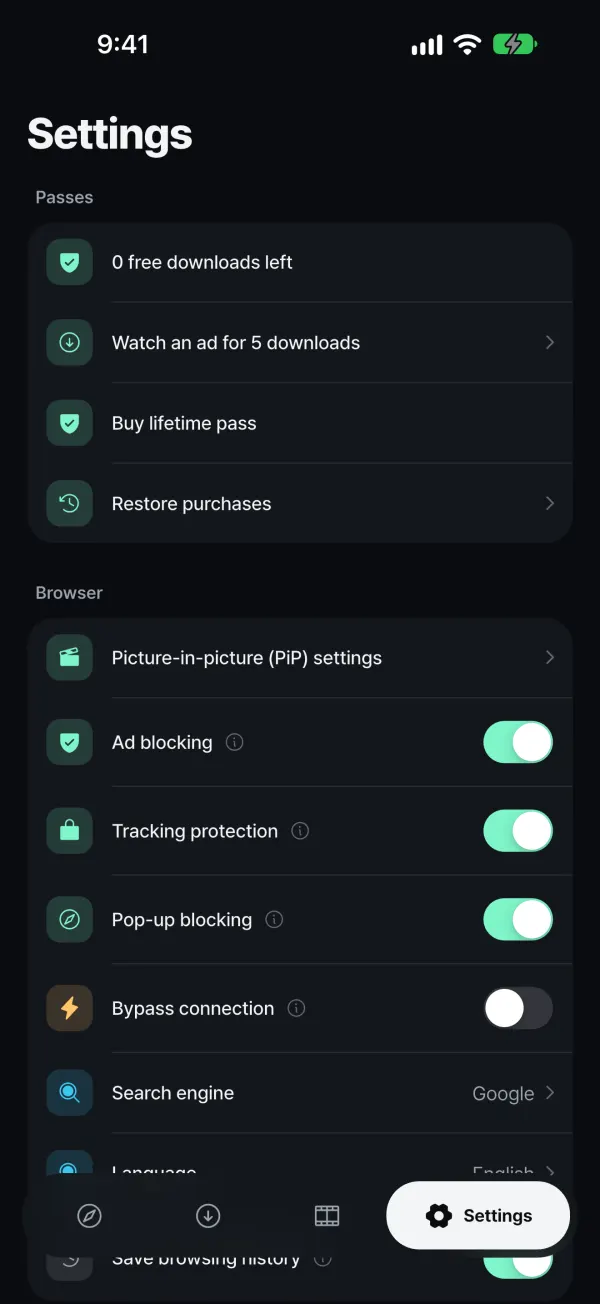
These are unedited captures of NestClip running in this language.
Features
Public filter lists stop ad and tracker requests and pop-ups. Turn each one on or off.
Finds direct files, HLS and DASH, and lets you pick a quality or save the audio only.
Lock the app with a PIN, Face ID or fingerprint. Files stay in the app's private storage on your device.
Keep watching while you use other apps. Android also gets a floating mini player.
Upload to a NestClip folder in your Google Drive, or to an FTP/FTPS NAS.
Secure DNS and connection splitting inside the app only. Not a VPN, and off by default.
Tabs that keep no history and pass no sign-in data.
Built for the world, right-to-left Arabic and Hebrew included.
Privacy
Pricing
Not a subscription. No renewals, ever.
Free
0
1 ad = 5 saves
Lifetime pass
1×payment
Price shown in your store
Payments are handled by the App Store and Google Play; our server only confirms the purchase.
FAQ
No. Please save only media you own or have permission to save. DRM-protected content is never saved, and some formats such as live broadcasts in progress are not supported.
No. It blocks ad and tracker requests on public filter lists. Ads outside the rules or baked into a video can remain.
No. App lock blocks access to the app's screens. Please also use your device's own lock and encryption.
No. It is an optional in-app feature using secure DNS and connection splitting. It does not change your IP, country or system settings, and it is off by default.
With the same Apple ID or Google account, tap Restore purchases in Settings.
35 languages, including English, Korean, Japanese, Chinese (Simplified and Traditional), Spanish, French, German, Arabic and Hindi.
iOS 17+ · Android 8.0+. Coming soon to the App Store and Google Play.
Please save only media you own or have permission to save, and respect copyright and each site's terms of use.